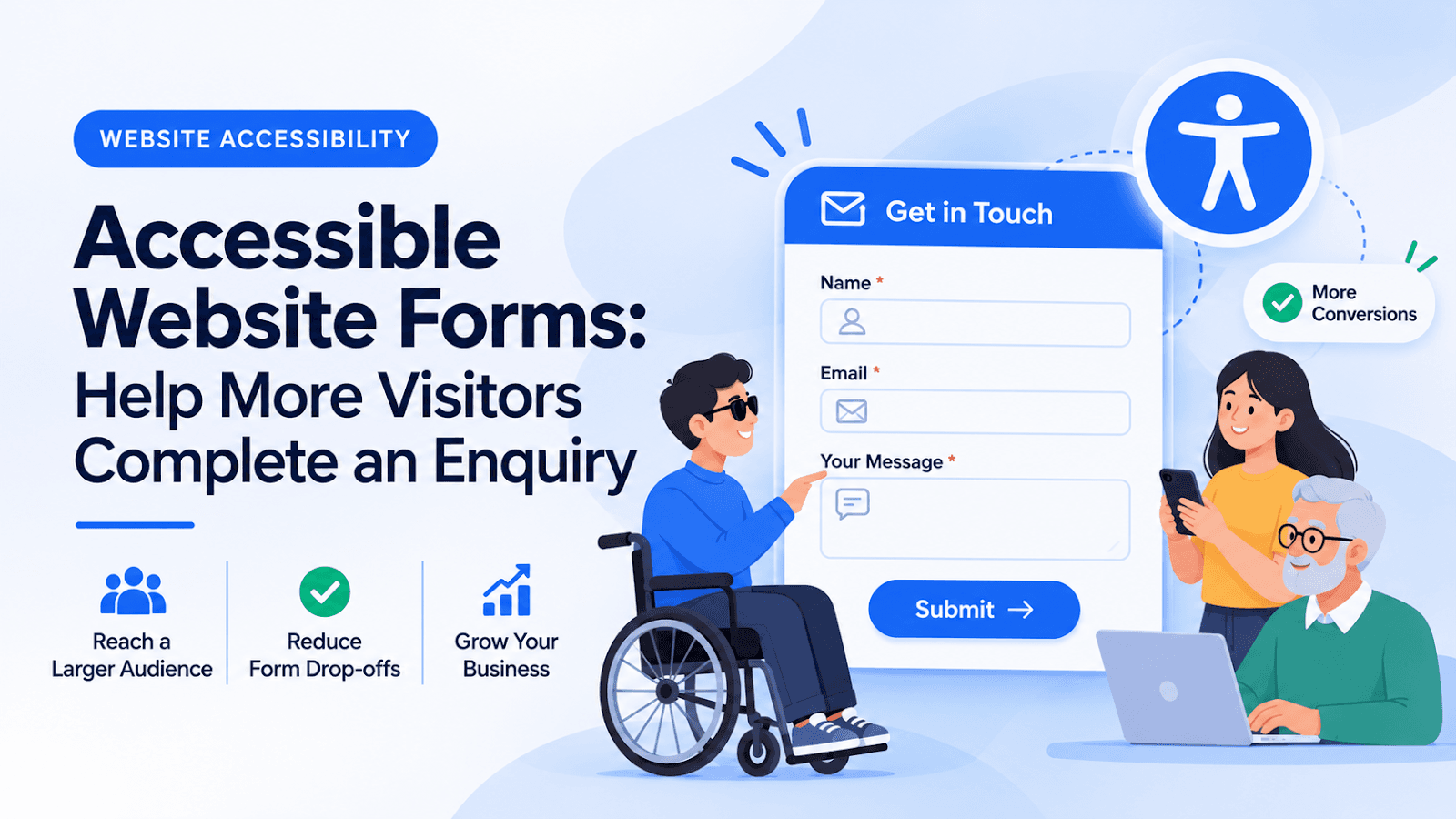
Accessible Website Forms: Help More Visitors Complete an Enquiry
Someone has read your service page and decided to get in touch. Then the form asks an unclear question, rejects a phone number without explaining why, or loses everything after an error. The visitor may leave even though the service was right for them.
Accessible website forms help people understand what is required and complete the task with fewer obstacles. They deserve the same attention as the homepage because they often sit at the point where interest becomes an enquiry.
What Makes a Form Accessible?
The W3C's forms guidance emphasises identifiable controls, helpful instructions, related fields grouped together, understandable validation, and notifications that explain the outcome. These elements support people using different input methods and assistive technologies.
An accessible form is not defined by how attractive its inputs look. The important question is whether someone can understand, operate, and recover from mistakes throughout the process.
Begin With the Information You Actually Need
Imagine a small service business receiving requests for a website redesign. The first enquiry probably needs a contact method, a short description of the project, and perhaps an existing website address. A detailed procurement questionnaire may be better suited to a later conversation.
Review each field with the person who handles incoming enquiries. Ask what decision the answer enables. If no one uses the answer, reconsider whether the first form needs that field at all.
This is also a useful content exercise: “Tell us briefly what you need” may be more approachable than an unexplained internal term such as “requirement specification.”
Five Areas to Review
1. Labels and Instructions
Give controls clear labels and explain unusual requirements before submission. A placeholder should not be the only clue about what belongs in a field. Keep required-field instructions consistent across the form.
2. Related Questions
Group related controls so their relationship is clear. For example, a preferred-contact choice needs a meaningful question that applies to all the options, not just a collection of disconnected buttons.
3. Error Recovery
Identify the field with a problem and explain how to correct it. “Enter an email address such as name@example.com” gives someone a next step. A general failure message at the top of the page may not.
4. Keyboard Use
Test the whole journey without a mouse. Move through the controls, change selections, submit, and recover from errors. Record where focus becomes difficult to follow or a control cannot be operated.
5. Submission Feedback
Make the outcome clear. A successful submission should not leave someone wondering whether to click again. A failed submission should explain the next available action.
A Realistic Test Scenario
Consider an admissions enquiry form for a school. A parent starts entering details on a phone, pauses to check the child's class, and returns to finish.
A useful review would ask:
- Are field descriptions understandable without school-specific jargon?
- Can the parent distinguish an enquiry from a confirmed admission?
- Does the confirmation explain what happens next?
- If the network fails, is the parent told how to retry or contact the school?
These are proposed testing questions, not claims about a particular school's website. They help a team examine the complete service journey instead of judging isolated input boxes.
Make Testing Part of Content Maintenance
A new field or rewritten label can change the form experience. Include the form in routine reviews after changes to services, admissions processes, or booking rules.
Keep a short issue list with the page, action, observed problem, and expected result. Automated checks can support this process, but direct keyboard testing and feedback from people who use assistive technologies remain valuable.
Final Thoughts
A good enquiry form respects the visitor's time. Ask clear questions, explain errors, and make the next step obvious. Accessibility work is most useful when it helps someone complete a real task from beginning to end.
Related Blogs
- Core Web Vitals: A Practical Website Performance Plan
- The Future of Full-Stack Development in 2026